Switching Channel Managers Is Simpler Than You Think
Don’t stay with a booking system you are not 100% happy with just because switching feels stressful.
Our UK support team can help you move to Q-Book, import bookings from most systems, and guide you through setup step by step.
Channel Manager Info Demo Hotel WebsiteCall 01204 373710 for help switching
Why Settle for a System You Are Not Happy With?
Your reservation software plays a major role in generating bookings and revenue. If it costs too much, lacks features or causes stress, it may be time to change.
Too Expensive?
High monthly costs and booking fees can eat into your revenue. Q-Book is designed to be practical, transparent and great value.
Unreliable Software?
If your current system causes mistakes, booking confusion or regular headaches, switching can give you more control.
No One Answers?
Speak to real people. Q-Book offers UK telephone support from a team that understands hospitality and booking systems.
Missing Features?
Q-Book includes useful tools, integrations and direct booking features to help you run your property more efficiently.
Poor Guest Experience?
If your booking journey is clunky, guests may leave and book elsewhere. Q-Book helps improve direct booking conversions.
Too Much Commission?
Make more of your own website and direct bookings, while keeping your diary and channels organised in one place.
Our Drama-Free Switching Promise
Switching channel managers does not need to be stressful. Our team can help with setup, training and moving bookings where possible.
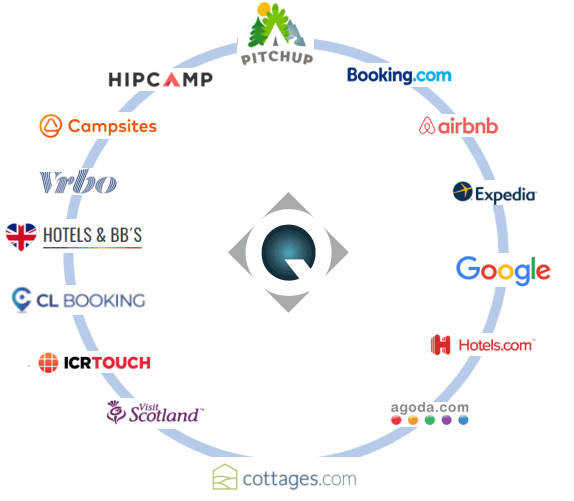
Booking.com bookings can populate Q-Book quickly when connected, helping minimise disruption while you move over.
- UK support team to guide you
- Training session to show you the system
- Help connecting your channels
- Booking import support where available
Don’t Make Do
Sticking with your current booking system out of fear of change can cost time, money and bookings.
Make the switch to Q-Book and experience a simpler way to manage your reservations, direct bookings and channel management.
Speak to Q-BookWhat the Switch Looks Like
A simple, guided process to help you get Q-Book live without unnecessary drama.
Get Your Login
We send across your login details so you can have a look around Q-Book and get familiar with the system.
Training Session
We arrange a training session to show you the ropes and help you understand how everything works.
Connect Channels
You disconnect from your old channel manager and connect your major channels to Q-Book.
Bookings Populate
Booking.com bookings can populate into Q-Book, with modifications and cancellations updated via the API.
Add Direct Bookings
You can manually add your direct bookings, keeping everything organised in your new Q-Book diary.
Add Rooms, Rates and Photos
Add pictures, use example descriptions, enter rates and set up your direct booking widget.
Go Live
Once everything is checked, Q-Book goes live and starts helping you manage bookings more easily.
Relax
Sit back, enjoy the new system and wonder why you did not switch sooner.
Ready to Switch to Q-Book?
Speak to our UK-based support team and we will talk you through the switching process.